
Overview

Claude Code is an AI-powered CLI tool from Anthropic that helps you with software engineering tasks directly from your terminal. It can:
  • Write, edit, and refactor code
  • Run commands and tests
  • Search and understand codebases
  • Debug issues
  • Create commits and pull requests
  • And much more through interactive conversation
Installation & Documentation Official documentation: https://docs.claude.com/en/docs/claude-code

Quick installation:

macOS/Linux

brew install anthropics/claude/claude

Or via npm

npm install -g @anthropic-ai/claude-code For detailed setup instructions, troubleshooting, and feature guides, visit the docs link above.

Setting up MCP connectors

Start up the command line tool by just typing:
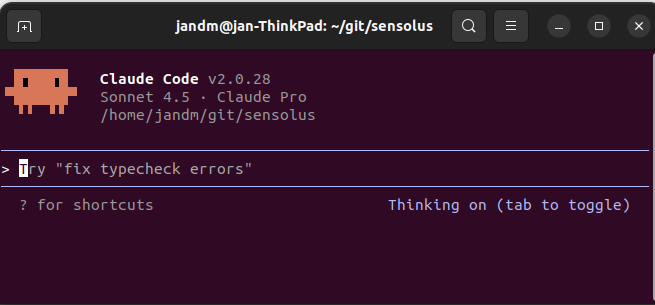
you see the following screen:
Claude code startup screen
To list the current mcp servers, just type:
(This will probably show an empty list now) To add an mpc server, you must exit the program first. Type Ctrl-C twice or exit.

Adding Sensolus MCP server

To add the Sensolus MCP server, enter the following command:
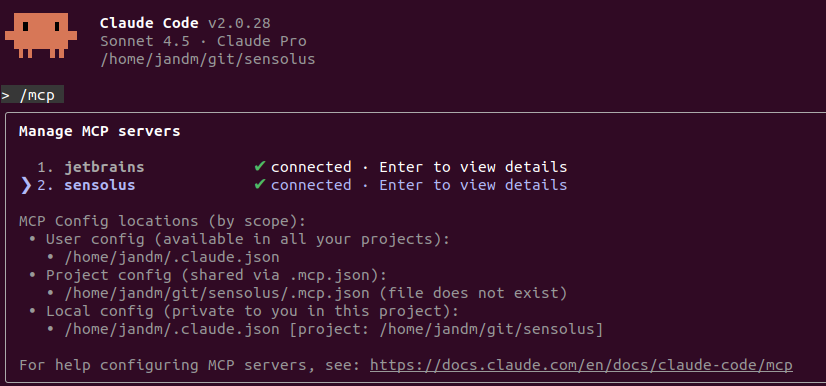
Restarting claude and listing the MCP servers with /mcp should now show the server:
Claude code list MCP
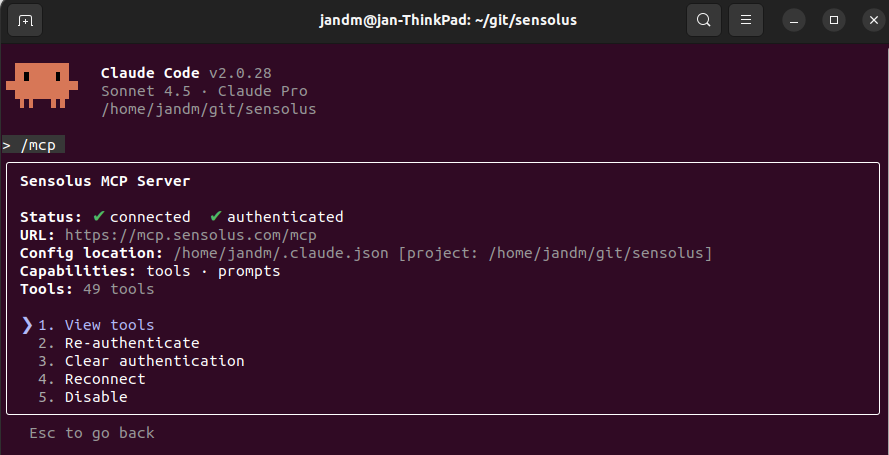
Use the arrows to navigate to your server and press enter to see the available actions:
Claude code MCP server details
The first time you will have to authenticate. The browser will popup with the platform login and you should automatically be connected after logging in.