

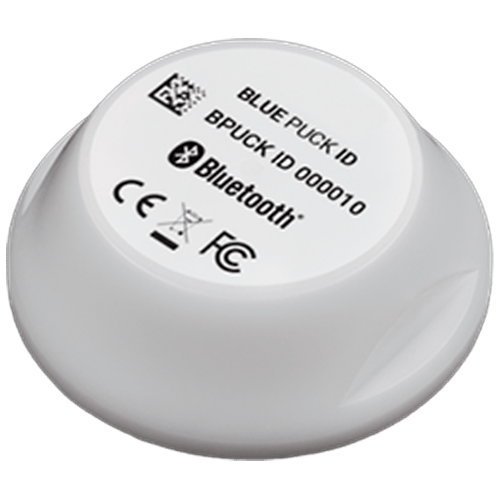
TAG 2002 installation and activation manual EN: www.sensolus.com | info@sensolus.com Tap on the edit icon ( ). You can now edit the name, tags and picture of the tag. Save the setting by tapping the save icon ( ). Activation and installation manual for TAG 2002 Activation of the TAG 2002 Download and install the Sensolus app from the Apple or Android store. Log in to the app with your Sensolus credentials. Adjust the settings of the Bluetooth tag tracker Click on the search bar. Click on the barcode icon next to the search bar. The camera of your phone will open. Scan the Barcode printed on the front of the BLE tracker. Click on your tracker that will appear in your screen to go to settings. www.sensolus.com | info@sensolus.com Installing with double sided tape Cleaning the surfaces Clean the area on the asset where you want to add the tag and also the back side of the tag to get rid of any grease/ oil. Sand both surfaces lightly for a few seconds to increase surface area. Clean it again to remove the dust. Installing the Tag 2002 Add the double sided adhesive tape to the tag. Push the tracker into place and push on the tracker's top to ensure it is mounted properly.