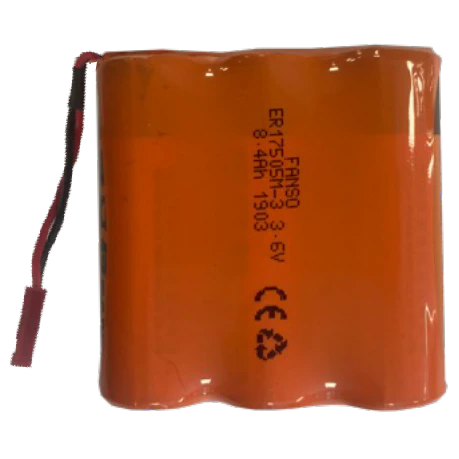
Battery replacements
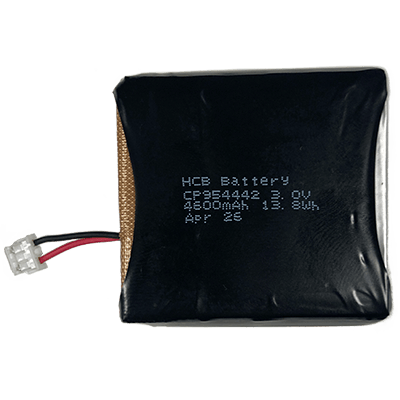
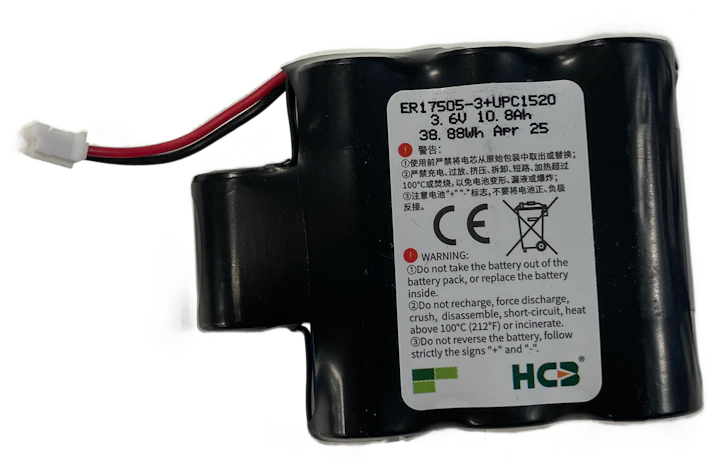
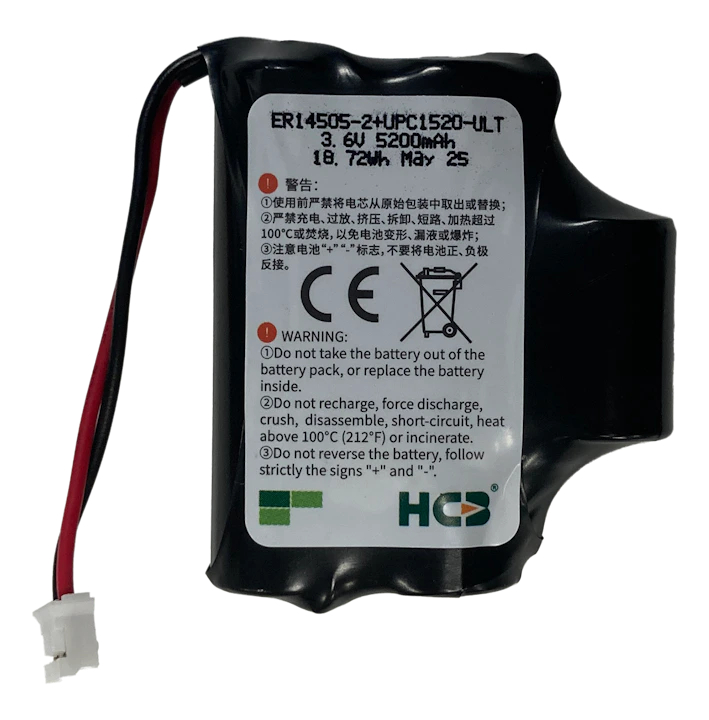
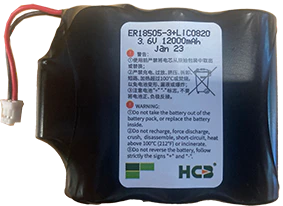
In the table below you find which battery pack you need to order for replacement.
Battery pack overview
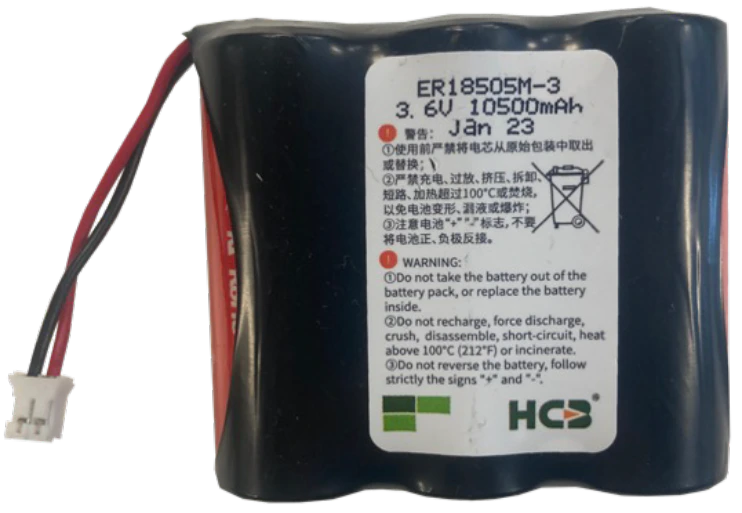
BAT 8210
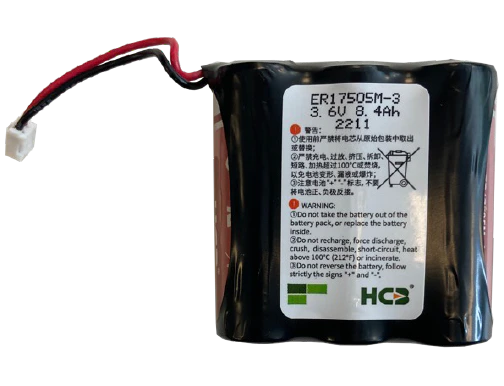
BAT 8209
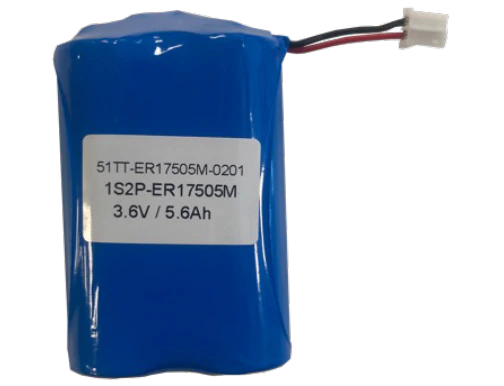
BAT 8208
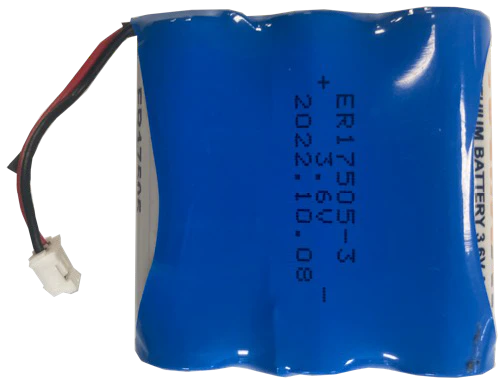
BAT 8207
BAT 8206
BAT 8205
BAT 8204
BAT 8203
BAT 8202
BAT 8201
BAT 8200
Battery change manual for trackers: Order these battery packs as replacements. See the battery packs overview to find the correct battery pack for your device. Battery replacement should only be performed by trained personnel. Dispose of old batteries according to local regulations. Battery replacement procedure Indicate battery replaced in platform After replacing the battery in the tracker, indicate this in the platform to reset the battery information. Go to the tracker details page in the general section. You can search for the tracker or find it in the asset list or asset map. Click on the settings button on the far right. Navigate to the Battery tab. Click Replace battery and confirm the action. This will reset all battery information. Battery replacements In the table below you find which battery pack you need to order for replacement. Device Replacement battery pack --- --- SNT2 BAT 8202 SNT3 ULTRA/TRACK 1000/TRACK 1001 BAT 8201 TRACK 1100/TRACK 1140/TRACK 1000 MK2 BAT 8205 TRACK 1101/TRACK 1141 BAT 8206 TRACK 1210 BAT 8207 ZA 3510 BAT 8207 ZA 3505 BAT 8205 TRACK 1105/TRACK 1215/ZA 3515 BAT 8209 sensolus-internal Step 1 - Unscrew **Step 1:** Make sure that the serial number and logo are facing the right way up. Then turn the tracker face down. Unscrew the 6 screws. Tip: If using a power drill, use power setting 7, on low. Step 2 - Remove back plate **Step 2:** Remove the back plate and the 6 screws. Step 3 - Remove module **Step 3:** Take the module (battery pack + battery holder + PCB) out of the casing. You might need to tilt the casing a bit. Step 4 - Turn module **Step 4:** Turn around the module (battery pack + battery holder + PCB) so the PCB is on top. Step 5 - Move battery **Step 5:** Lift the module and move the battery pack from the insert to the side. Step 6 - Align battery **Step 6:** Align the battery pack next to the PCB and insert. Step 7 - Disconnect **Step 7:** Disconnect the battery pack from the PCB. Be careful when disconnecting the battery pack. Step 8 - Connect new battery **Step 8:** Connect the new battery pack to the PCB. A green LED will flash for some seconds. Step 9 - Move back **Step 9:** Move the battery pack back under the insert and PCB and flip the module. Step 10 - Align **Step 10:** Align the battery pack onto the insert. Step 11 - Place module **Step 11:** Place the module in the tracker. Use the alignment marks on the casing. Do not use force. There is only one way to put the module back in the tracker. Step 12 - Close **Step 12:** Close the tracker carefully. Your tracker is ready to use again. Battery change manual for trackers Navigate to tracker details Open settings Go to battery tab Replace battery